About SoundRadar
Music moves fast. Your radar should keep up.
SoundRadar helps you follow the artists and genres you care about, see what is coming, and find new music after it lands. A drop calendar keeps dates in one place; release cards show what is confirmed and where you can listen.
Some announcements do not have a firm date or a listening link yet. We show that uncertainty instead of pretending every rumour is a release.
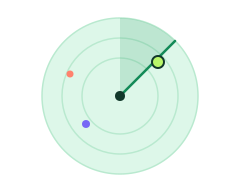
What SoundRadar does
Follow what you love
Pick the artists and genres you care about. SoundRadar watches for their new and upcoming releases, so you do not have to chase announcements.
A calendar that keeps itself current
See every drop on the Drop Calendar, or subscribe once from Google, Apple or Outlook Calendar. New dates appear and moved dates update by themselves.
Alerts you control
Get a push or email when something you follow is announced or out today. Choose what you hear about and set quiet hours. Dates that are not confirmed yet are marked as expected.
One tap to listen
Every release links straight to Spotify, Apple Music or YouTube Music when a link exists, and to the release page when it does not yet.
Playlists made for you
Build a playlist from your genres, a date range and a size, or get one from what you missed and what is coming up from your artists. Edit it and share it through a Spotify link.
Playlists with friends
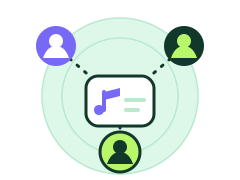
Invite friends by username and SoundRadar mixes one playlist from what everyone follows, with a fair share for each person.

About · Liner notes
Music moves quickly, and release details can be scattered. Your radar should feel simple.
SoundRadar is a release catalog and personal discovery feed. Its team adds and reviews release information, then the app organizes that catalog around the artists, genres and regions each listener chooses. We began with a strong interest in Nigerian and wider African music, while making room for listeners to follow music from anywhere.
- 01
Signal over noise
Your follows shape the feed and recommendations; alert settings let you choose when notifications arrive.
- 02
Accuracy first
Release status and date certainty are shown clearly. Unconfirmed dates are not presented as confirmed.
- 03
You set the volume
Instant, digest or quiet. Quiet hours by default. Change it any time.
- 04
Listen where you already listen
We’re not a streaming service. We show releases our team has added to the reviewed catalog, then send you to Spotify, YouTube or Apple Music to listen.
Artist and release names on this page are examples.
Start with the artists you never want to miss.
Choose a few artists and genres, set your alert preferences, and see matching releases as they are added to the catalog.